











-
 Pick up from the Woodmart Store
-
 Courier delivery
-
 DHL Courier delivery

AED 350.00 Original price was: AED 350.00.AED 255.00Current price is: AED 255.00.

Hurry and get discounts on all Apple devices up to 20%
Sale_coupon_15
Pick up from the Woodmart Store
To pick up today
Free
Courier delivery
Our courier will deliver to the specified address
2-3 Days
Free
DHL Courier delivery
DHL courier will deliver to the specified address
2-3 Days
Free
 Warranty 1 year
 Free 30-Day returns
Payment Methods:

Product Name: T5 Projector
Item Type: Small Portable Projector
Material: ABS
Colour: White
Display Technology: 2-Inch LCD
Projection Light Source: LED
Native Resolution: 480 × 360 Pixels
Maximum Supported Resolution: 1920 × 1080 at 60Hz
Supported Refresh Rates: 50Hz and 60Hz
Focus Adjustment: Manual Focus
Keystone Correction: Supported
Adjustable Projection Angle: Up to 270 Degrees
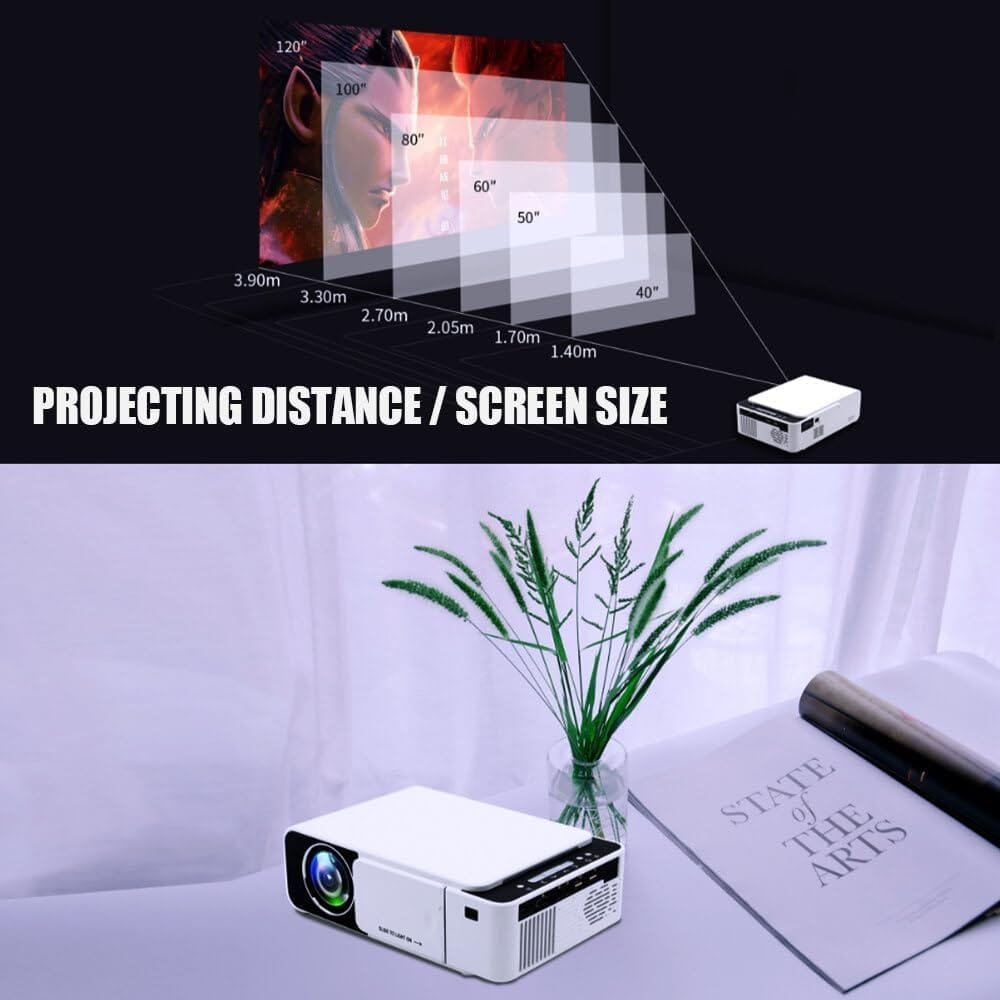
Recommended Projection Size: Approximately 40 to 130 Inches
Recommended Projection Distance: Approximately 0.6 to 2.5 Metres
WiFi: Supported
Bluetooth: Supported
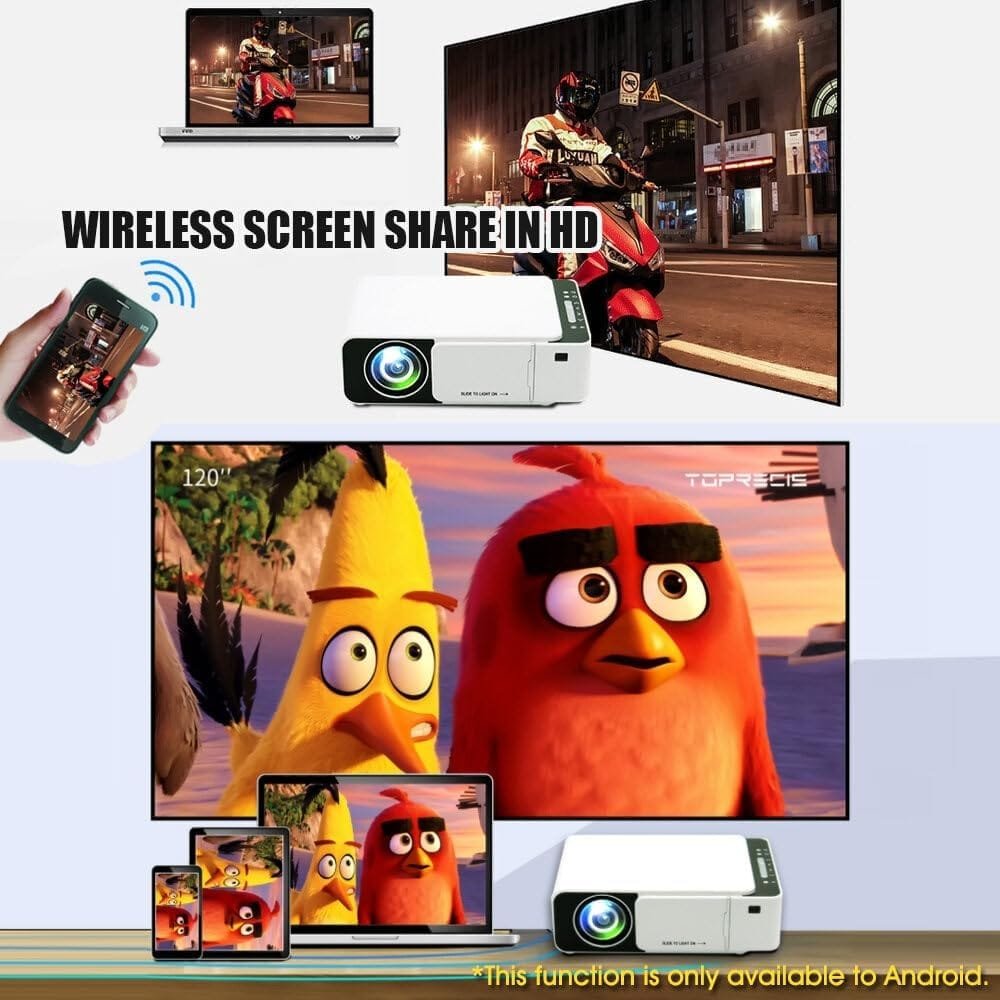
Wireless Screen Mirroring: Compatible Android and iOS Devices
Android Wired Mirroring: Supported with compatible devices and cables
Speaker: Built-In Box Speaker
Speaker Output: 6Ω, 2W × 1
Power Connection: USB Type-C
Power Requirement: 5V/2A
Remote Control: Included
Remote Control Batteries: 2 × AAA Batteries, Not Included
Product Dimensions: Approximately 16 × 8.9 × 8.9cm
Recommended Environment: Dark or Dimly Lit Indoor Areas
HDMI Port: 1 × HDMI 2.0
USB Port: 1 × USB 2.0
Audio Port: 1 × Standard 3.5mm Audio Connection
• 1 × T5 Portable Projector
• 1 × Remote Control
• 1 × USB Power Cable
• 1 × Instruction Manual
Some subscription-based streaming services use HDCP digital content protection. As a result, screen mirroring from apps such as Netflix, Prime Video and similar services may display a blank screen, no audio or an error message.
For more reliable playback, connect a compatible certified streaming device through the projector’s HDMI port. Access to streaming platforms may require a separate account, subscription and internet connection.
When the projector cannot connect to WiFi:
Screen mirroring availability may vary depending on the device model, software version and application restrictions.
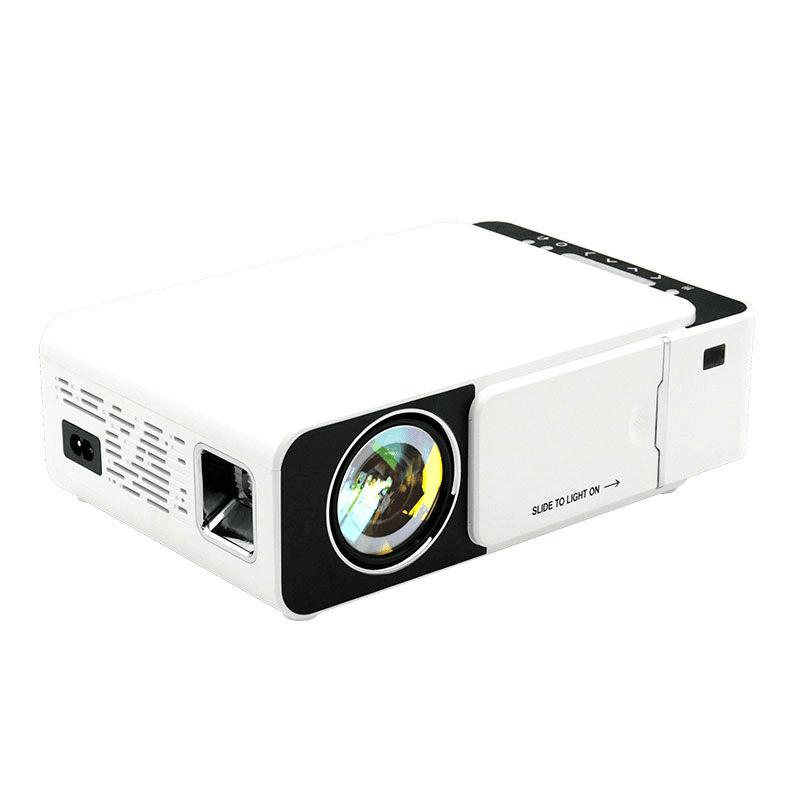
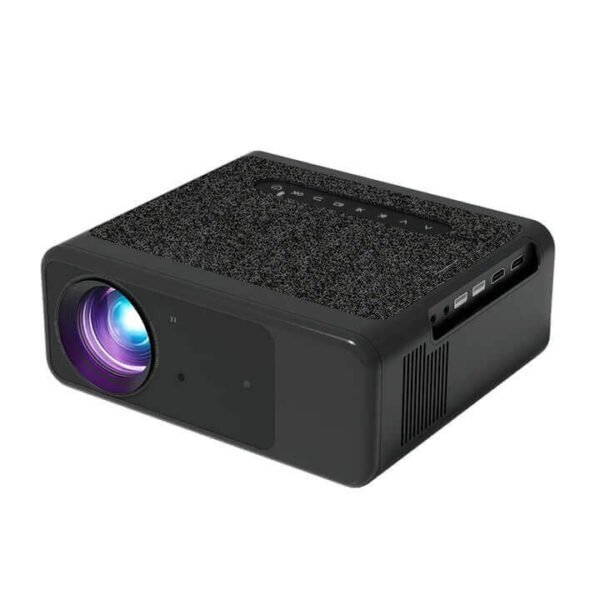
Enjoy movies, videos, games and presentations on a larger screen with the T5 HD LED Smart Projector. Designed for home entertainment, office use, classrooms and small events, this compact projector combines flexible placement, wireless screen mirroring and essential wired connections in one lightweight device.
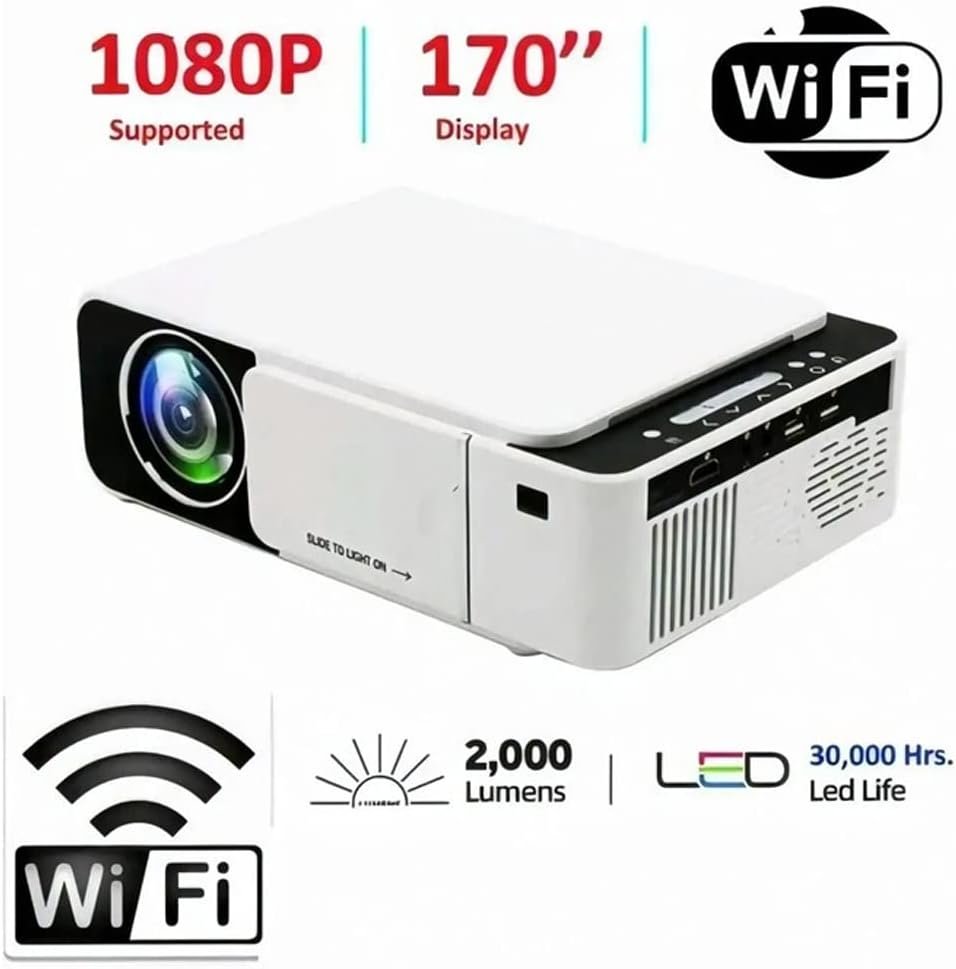
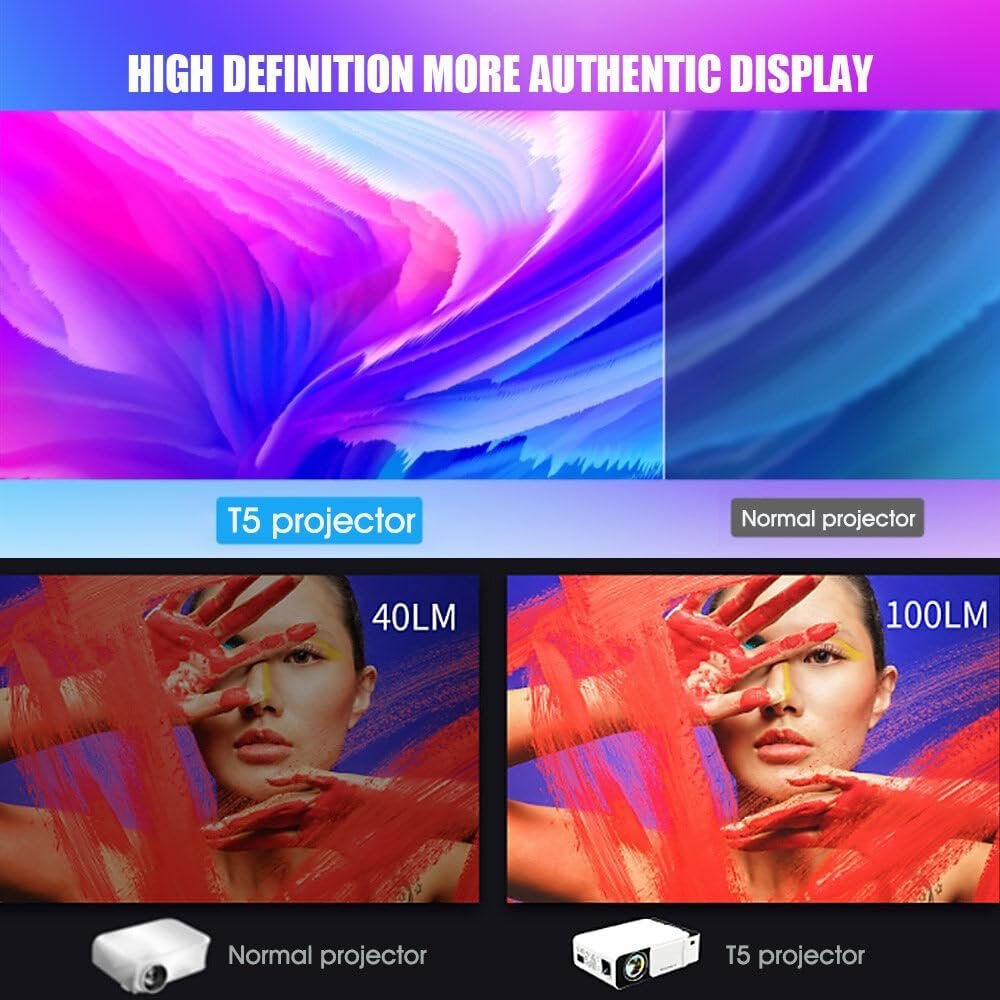
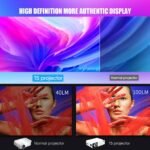
The T5 HD LED Smart Projector features a native resolution of 480 × 360 pixels and supports video input up to 1920 × 1080 Full HD. It is suitable for casual movie viewing, children’s entertainment, photo slideshows and basic business presentations in dark or dimly lit environments.
T5 HD LED Smart Projector Built-in WiFi allows compatible Android and iOS smartphones and tablets to mirror content wirelessly. Bluetooth support provides an easy way to connect compatible wireless speakers, headphones and other audio devices.
The T5 HD LED Smart Projector adjustable body can rotate up to 270 degrees, allowing you to project onto a wall or ceiling according to your preferred viewing position. Manual focus and keystone correction help improve image sharpness and alignment during setup.
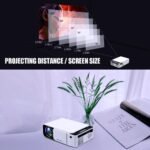
Depending on the distance from the projection surface, the T5 HD LED Smart Projector can produce an image from approximately 40 to 130 inches. Its recommended projection distance is between 0.6 and 2.5 metres.
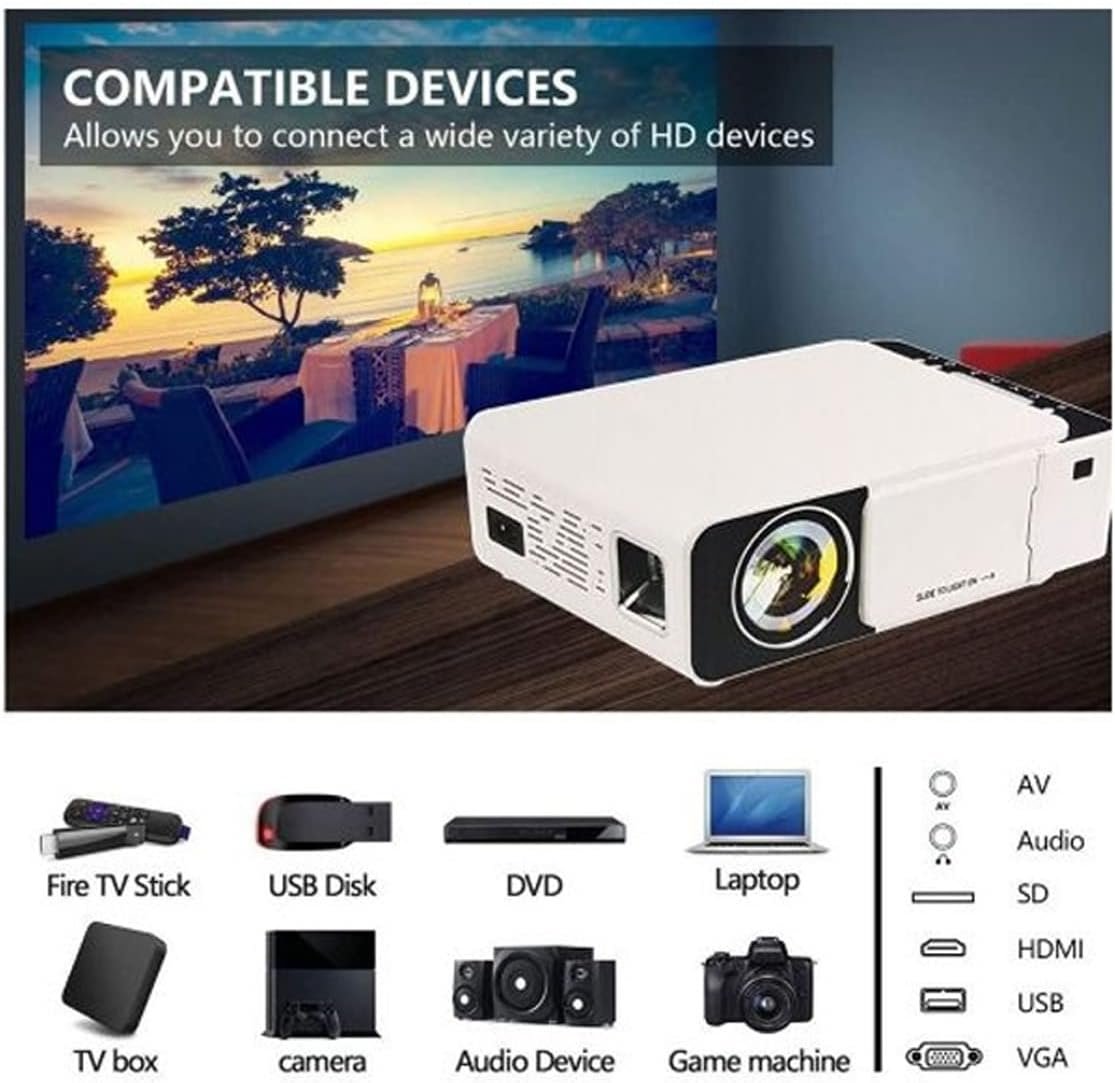
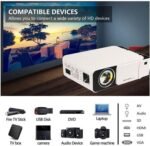
The T5 HD LED Smart Projector includes an HDMI 2.0 port, USB 2.0 port and standard 3.5mm audio connection, making it compatible with many laptops, gaming consoles, USB devices and external audio systems. Its built-in 2W speaker provides convenient audio for everyday use.
Compact, portable and powered through a USB Type-C connection, theT5 HD LED Smart Projector is a practical big-screen entertainment solution for bedrooms, living rooms, offices and evening outdoor gatherings in Dubai and across the UAE.
• T5 HD LED Smart Projector: Compact and lightweight design makes it easy to carry, position and store.
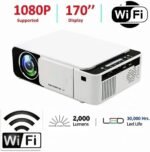
• 1080P Video Input Support: Accepts compatible video signals up to 1920 × 1080 resolution and displays them at the projector’s native resolution.
• WiFi Screen Mirroring: Wirelessly share compatible content from Android and iOS smartphones and tablets.
• Bluetooth Connectivity: Connect compatible Bluetooth speakers or headphones for wireless audio.
• 270° Adjustable Design: Rotate the projector to display content on a wall or ceiling.
• 40 to 130-Inch Projection: Create a flexible screen size depending on the projection distance and room setup.
• Manual Focus Control: Adjust the focus manually to improve picture sharpness.
• Keystone Correction: Helps correct image shape when the projector is not perfectly aligned with the screen.
• LED Light Source: Provides energy-efficient illumination for regular home and office use.
• Multiple Connection Options: Includes HDMI, USB and 3.5mm audio ports for compatible devices.
• Built-In Speaker: Integrated 2W speaker provides convenient sound without requiring separate equipment.
• USB Type-C Power: Operates using a 5V/2A Type-C power connection.
• Suitable for Multiple Uses: Ideal for casual movies, cartoons, gaming, slideshows, classroom content and basic presentations.
Can I connect my smartphone wirelessly?
Yes. The T5 HD LED Smart Projector supports wireless screen mirroring from compatible Android and iOS smartphones and tablets.
Does it have native Full HD resolution?
No. The T5 HD LED Smart Projector native physical resolution is 480 × 360 pixels. It supports compatible video input up to 1920 × 1080 and displays it at its native resolution.
Can I connect a laptop or gaming console?
Yes. Compatible laptops, gaming consoles and streaming devices can be connected through the HDMI port.
Can I install apps directly on the projector?
An Android operating system or internal app store is not specified for this model. Apps should be used through a connected smartphone, laptop, or external streaming device.
Can it be used during daylight?
The T5 HD LED Smart Projector performs best in dark or dimly lit rooms. Bright daylight and strong indoor lighting may significantly reduce picture visibility and colour quality.
What is the recommended screen size?
The recommended image size is approximately 40 to 130 inches, depending on the projection distance and room conditions.
Can it project onto the ceiling?
Yes. The adjustable 270-degree design allows the projector to be positioned for wall or ceiling projection.
Can I connect external speakers?
Yes. Compatible speakers can be connected through Bluetooth or the 3.5mm audio port.
Are batteries included for the remote control?
No. The remote control requires two AAA batteries, which are not included.
Does the package include a wall power adapter?
The package list specifies a USB power cable but does not confirm the inclusion of a wall adapter. Use a compatible 5V/2A adapter if one is not supplied.
In stock
In stock
In stock
In stock
AED 1,288.00WhatsApp us
Reviews
Clear filtersThere are no reviews yet.