










brands






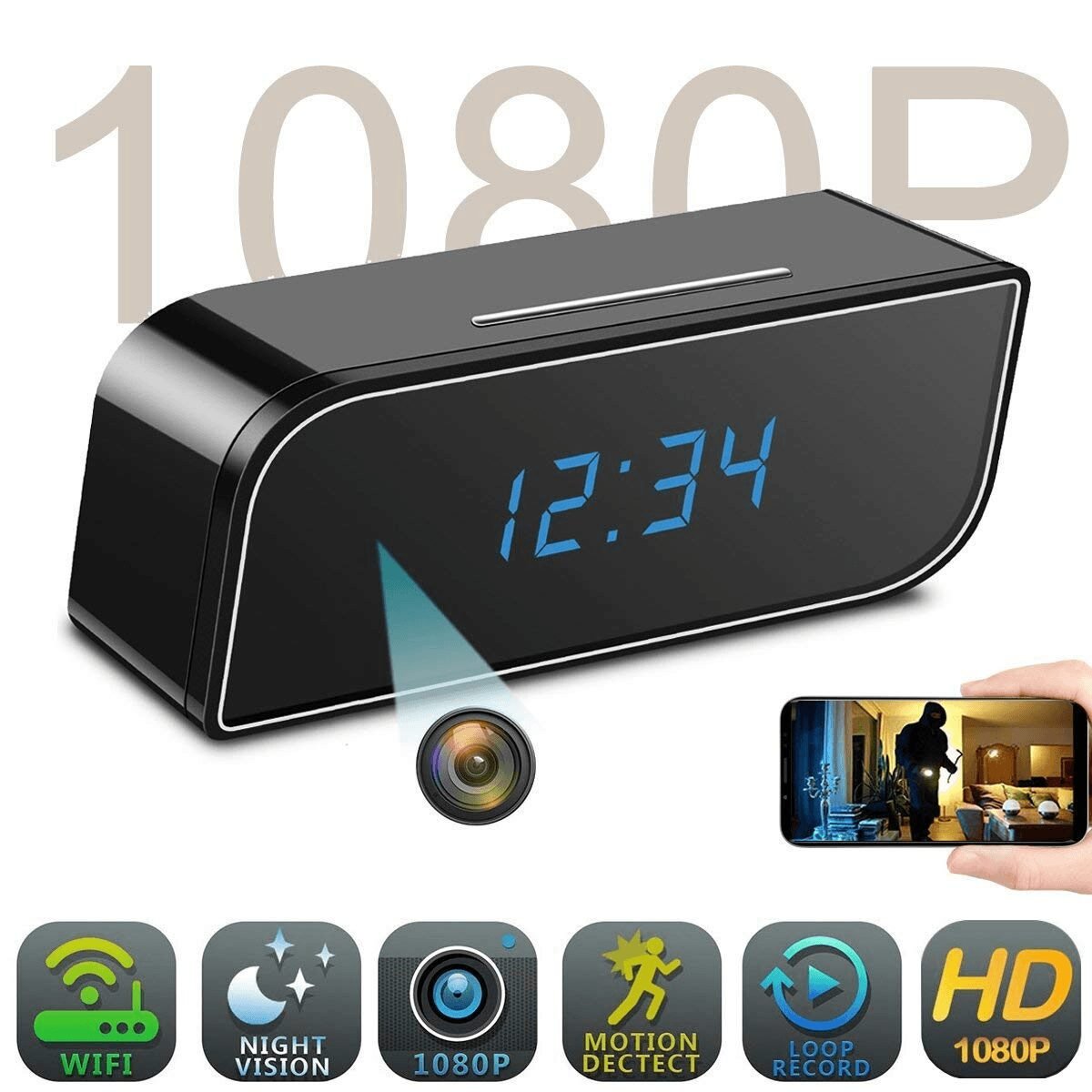
1080P WiFi Spy Camera Clock | Hidden Security Camera | Motion Detection | Night Vision | Loop Recording | iOS & Android Support
In stock
Original price was: AED 145.00.AED 122.00Current price is: AED 122.00.- Video Resolution: 1080P Full HD
- Viewing Angle: 160°
- Battery Capacity: 2200mAh Rechargeable Lithium Battery
- Power Supply: 2A Adapter
- Video Format: MP4
- Photo Format: JPG
- WiFi Connectivity: Yes
- Night Vision: Yes
Package Includes
- 1 × HD WiFi Clock Camera
- 1 × USB Charging Cable
- 1 × User Manual
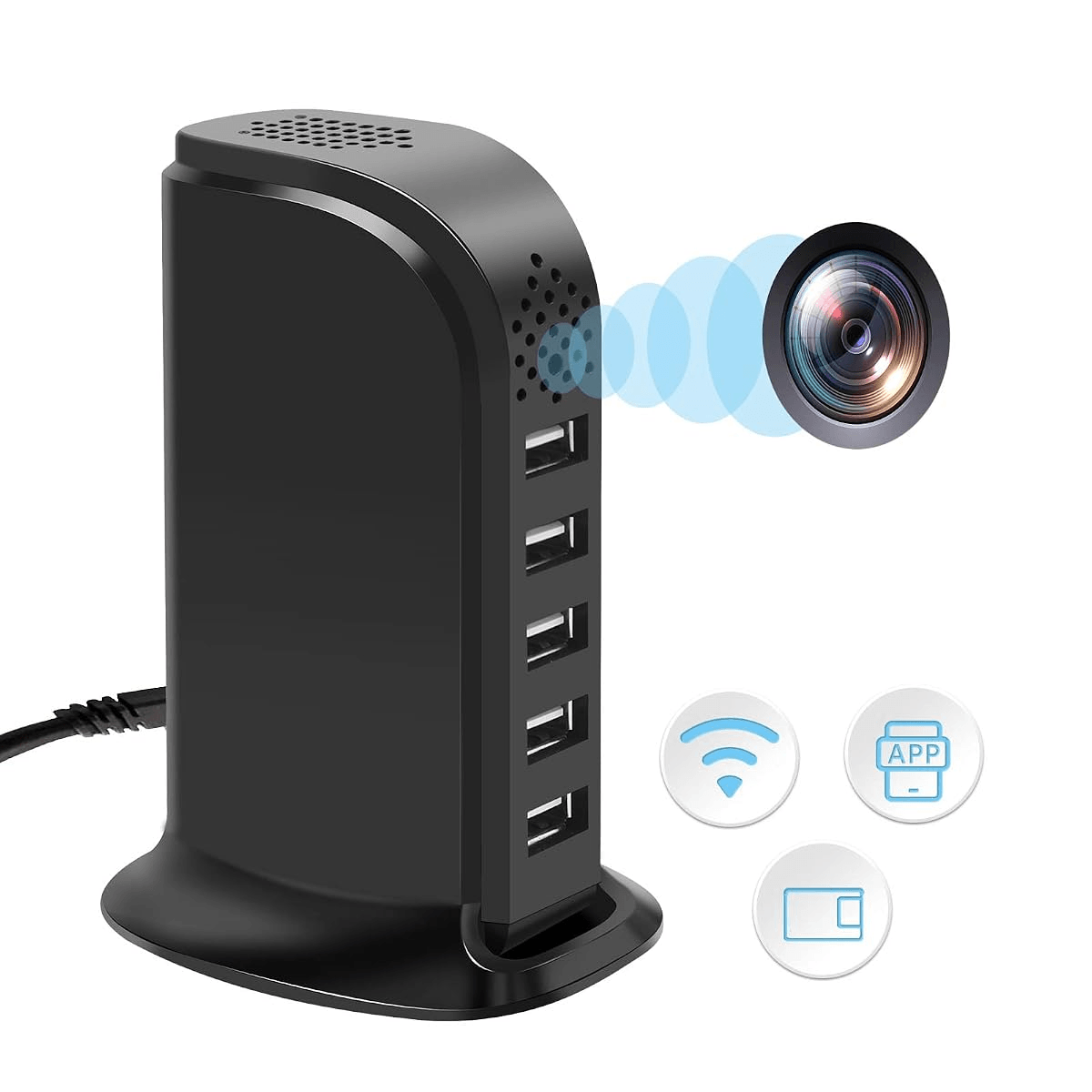
1080P WiFi USB Charger Hidden Camera with Phone App, Motion Detection, Home Security, Pet & Nanny Monitor (No Audio)
In stock
Original price was: AED 380.00.AED 299.00Current price is: AED 299.00.
- Continuous Power Required: This camera does not contain a built-in battery. It must remain plugged into a USB power source at all times to operate.
- WiFi Requirement: A 2.4GHz WiFi network is required for setup and remote viewing. The camera cannot function without a WiFi connection.
- Easy Setup: For the best connection experience, place the camera close to your WiFi router during initial setup and enable Bluetooth on your smartphone.
- Changing Your WiFi Network: If you replace or change your WiFi router, reset the camera and remove it from the mobile app before reconnecting it to the new network.
- Camera Offline: If the camera appears offline, simply reset the device and reconnect it through the app.
- No Audio Recording: This model does not support audio recording. It is a video-only camera designed to comply with applicable privacy regulations in certain regions.

First-Time Camera Setup & Reset Instructions
Before configuring the camera for the first time, please reset the device.
- Plug the camera into a power source and switch the ON/OFF button to the ON position.
- The blue indicator light will turn on and remain steady. Wait approximately 30 seconds until the blue light starts flashing.
- Use a pin to press and hold the Reset button for 7–8 seconds, then release it.
- The blue light will turn off and then turn on again, confirming that the reset is complete.
- After the reset, the indicator light will remain steady. Wait another 30 seconds until the light starts flashing again.
- Once the blue light is flashing, the camera is ready to be configured through the app.

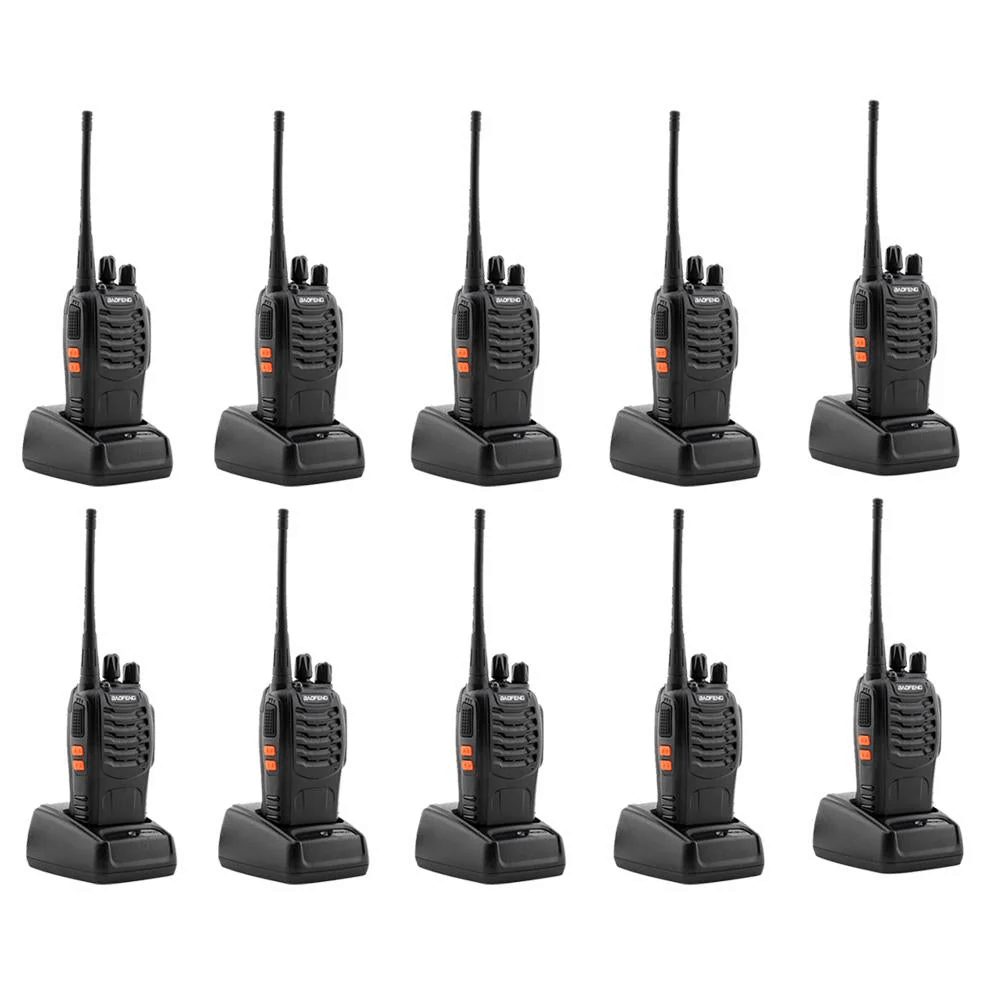
Baofeng BF-888S 5W Walkie Talkie (10-Pack) with Battery & Charger | Two Way Radio
In stock
AED 285.00Pack: 10 Pack
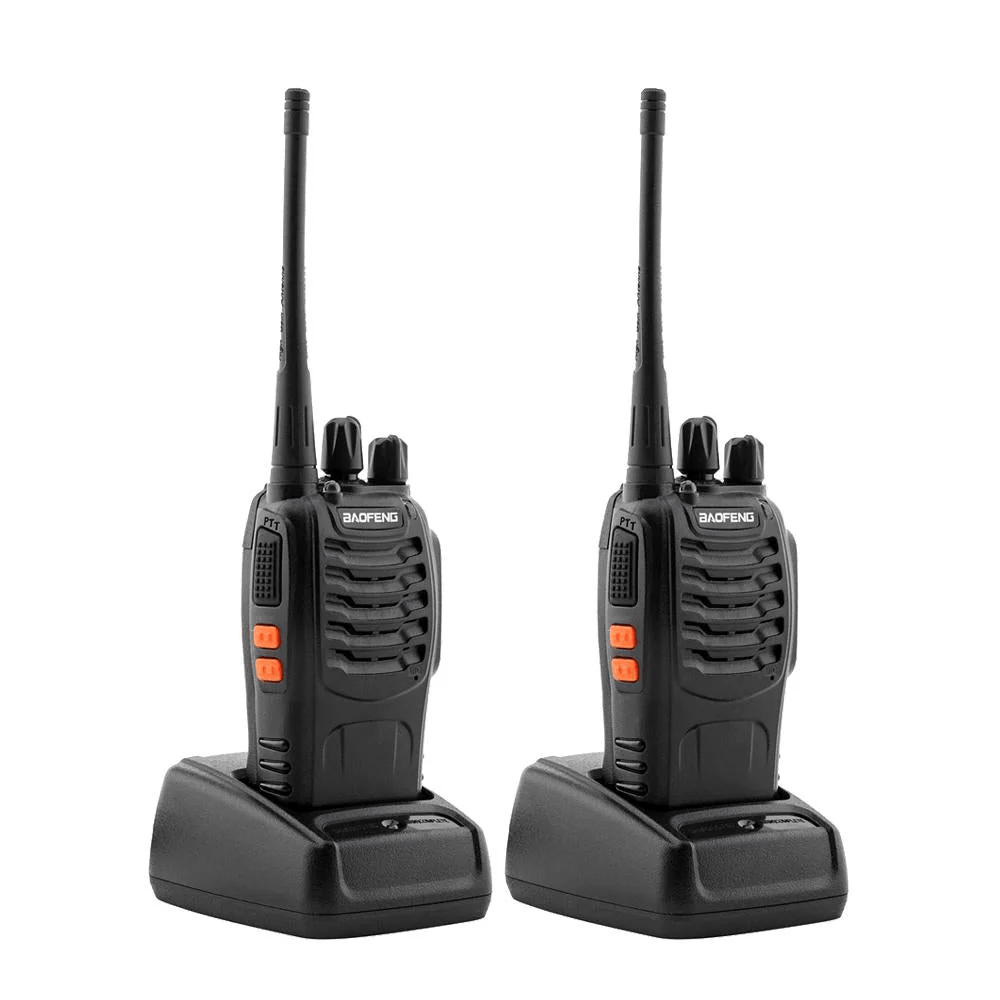
Baofeng BF-888S 5W Walkie Talkie (2-Pack) with Battery & Charger | Two Way Radio
In stock
AED 62.00Pack: 2 Pack
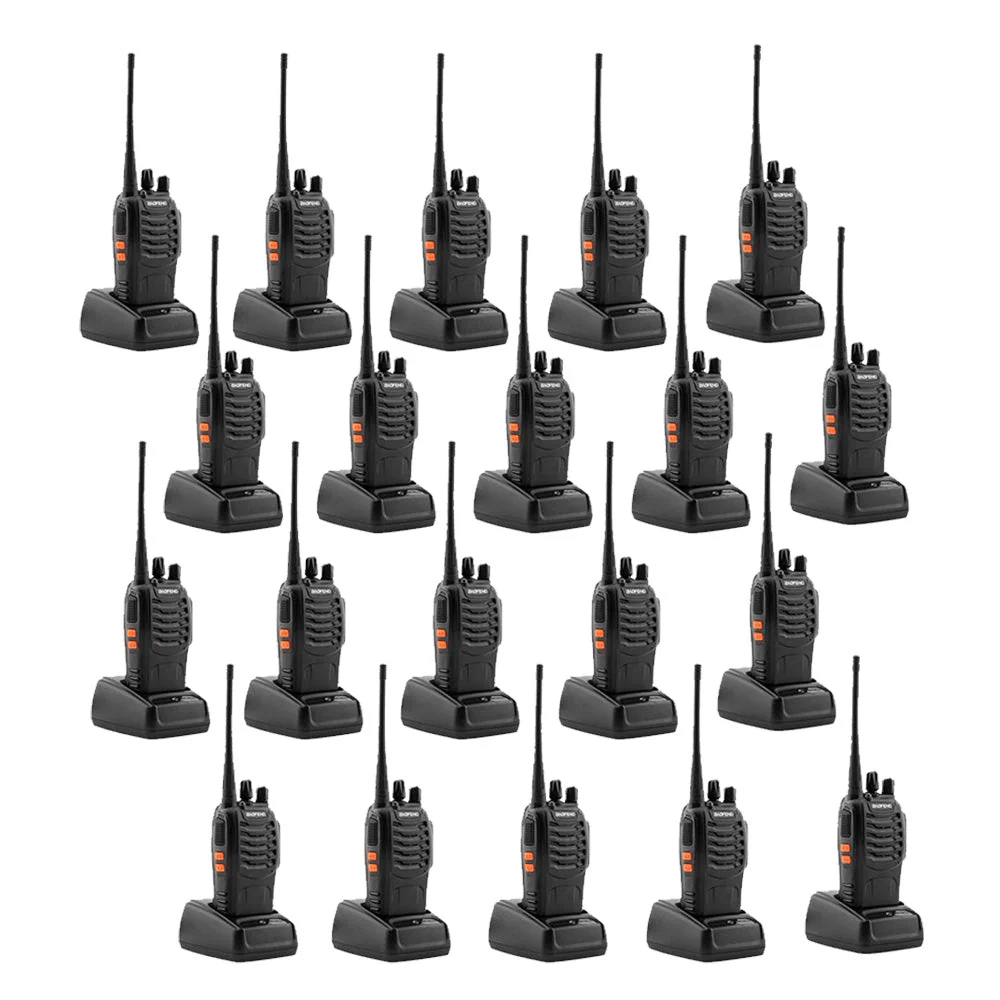
Baofeng BF-888S 5W Walkie Talkie (20-Pack) with Battery & Charger | Two Way Radio
In stock
AED 555.00Pack: 20 Pack
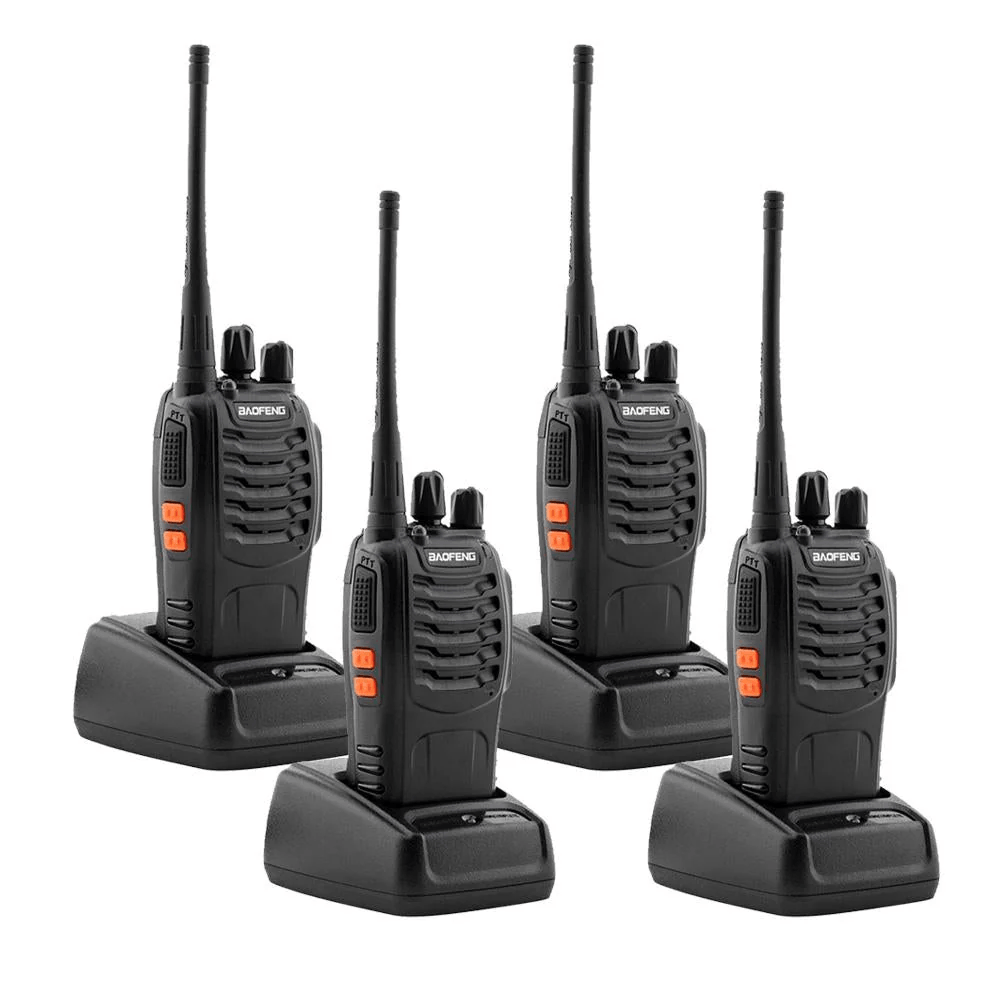
Baofeng BF-888S 5W Walkie Talkie (4-Pack) with Battery & Charger | Two Way Radio
In stock
AED 119.00Pack: 4 Pack
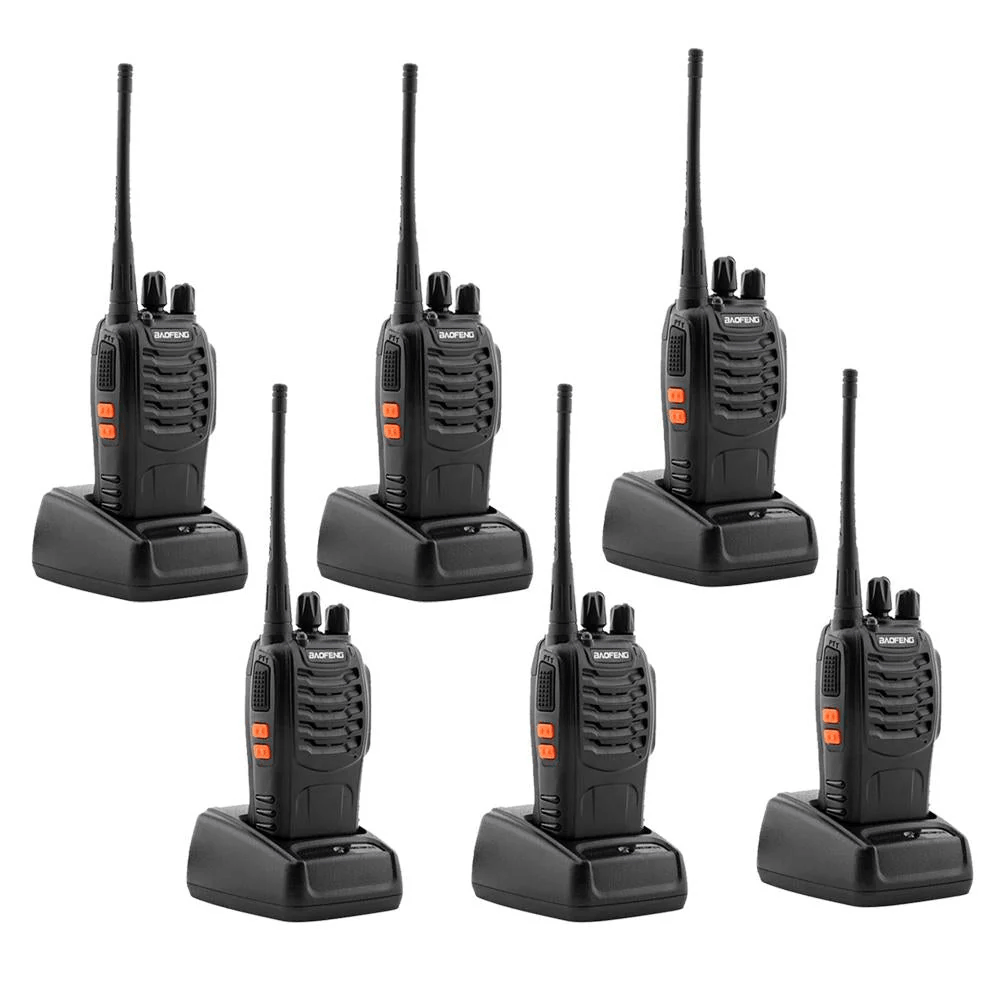
Baofeng BF-888S 5W Walkie Talkie (6-Pack) with Battery & Charger | Two Way Radio
In stock
AED 177.00Pack: 6 Pack
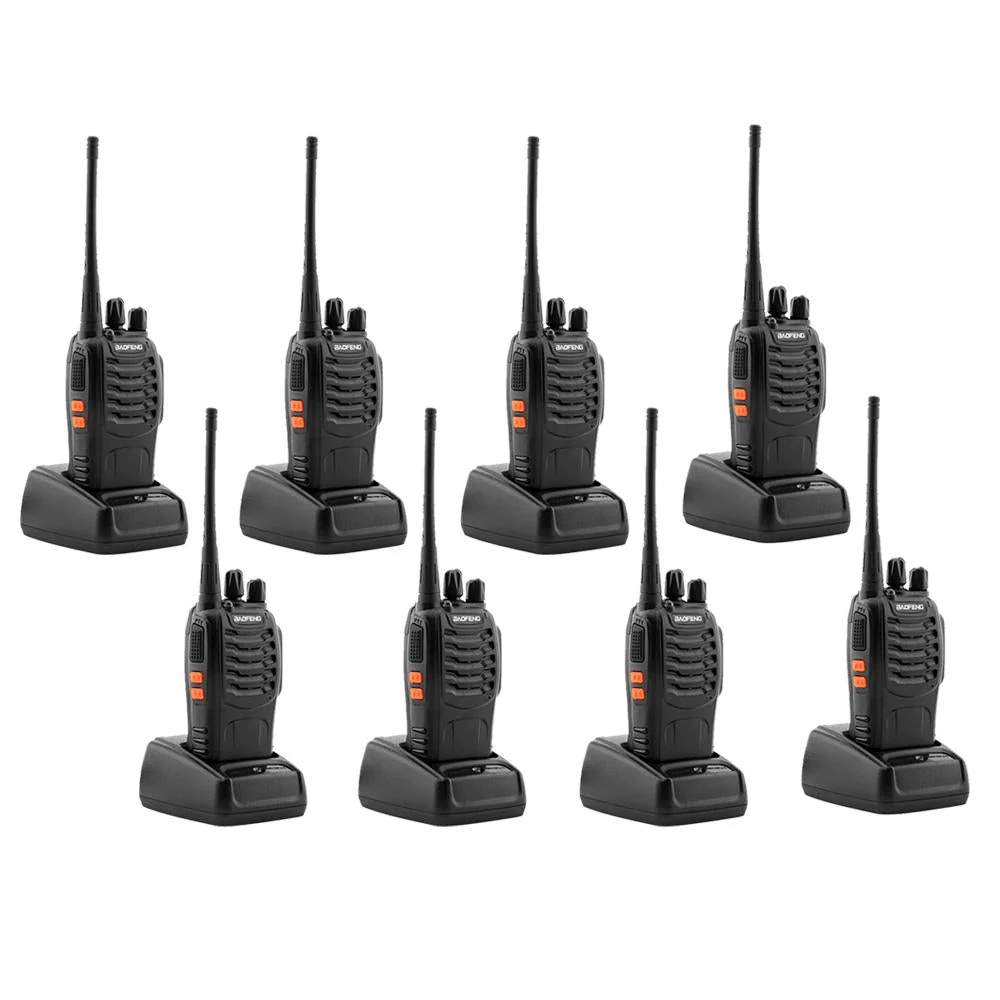
Baofeng BF-888S 5W Walkie Talkie (8-Pack) with Battery & Charger | Two Way Radio
In stock
AED 233.00Pack: 8 Pack
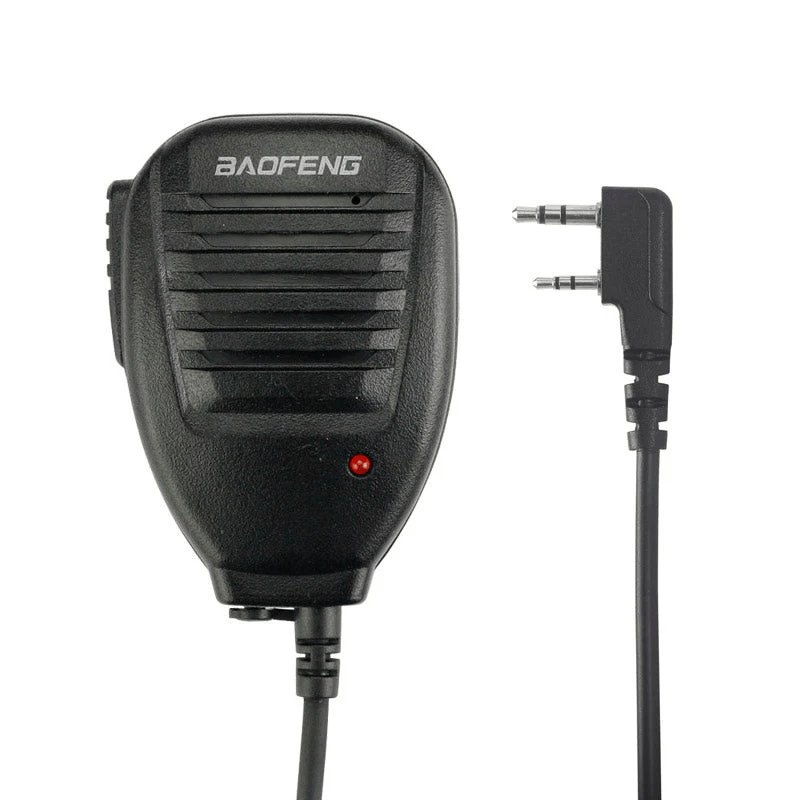
Baofeng Speaker Microphone with Clip for Walkie Talkies, 3.5mm + 2.5mm Dual Pin Connector, Black
In stock
AED 25.00- Brand: Baofeng
- Product Type: Clip-On Speaker Microphone
- Connector Type: Dual Pin (3.5mm Earphone + 2.5mm Microphone)
- Earphone Jack: 3.5mm
- Cable Length: 3 ft (914 mm)
- Color: Black
- Weight: 98 g
What’s in the Box
- 1 × Original Baofeng Clip-On Speaker Microphone
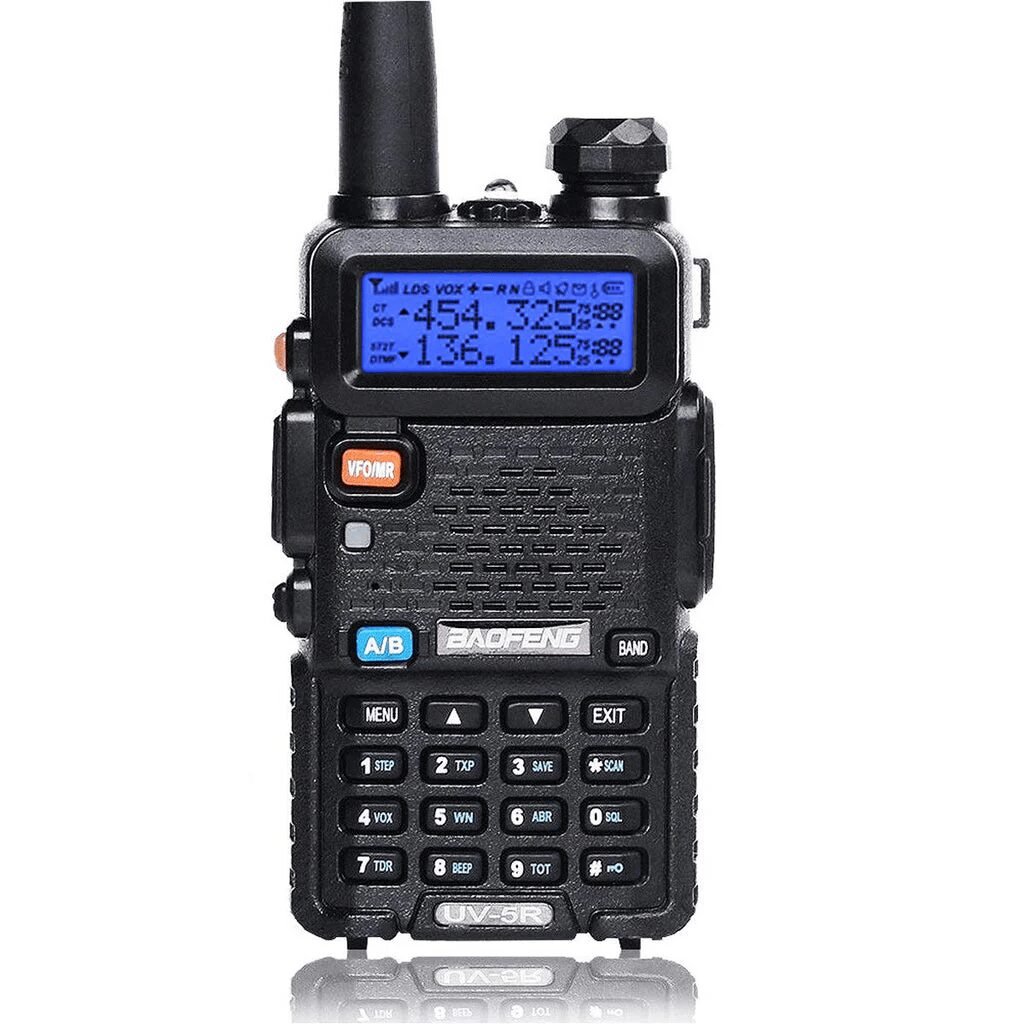
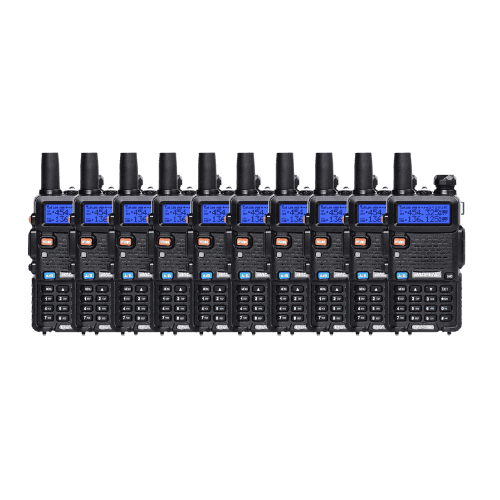
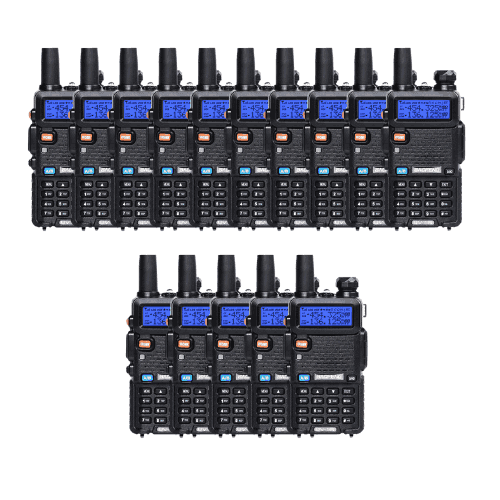
Baofeng UV-5R Dual Band Walkie Talkie 8W | 5–8 KM Range | 15 Pack
In stock
AED 1,199.00Pack: 15 Pack