











-
 Pick up from the Woodmart Store
-
 Courier delivery
-
 DHL Courier delivery



AED 380.00 Original price was: AED 380.00.AED 299.00Current price is: AED 299.00.

Hurry and get discounts on all Apple devices up to 20%
Sale_coupon_15
Pick up from the Woodmart Store
To pick up today
Free
Courier delivery
Our courier will deliver to the specified address
2-3 Days
Free
DHL Courier delivery
DHL courier will deliver to the specified address
2-3 Days
Free
 Warranty 1 year
 Free 30-Day returns
Payment Methods:



Before configuring the camera for the first time, please reset the device.

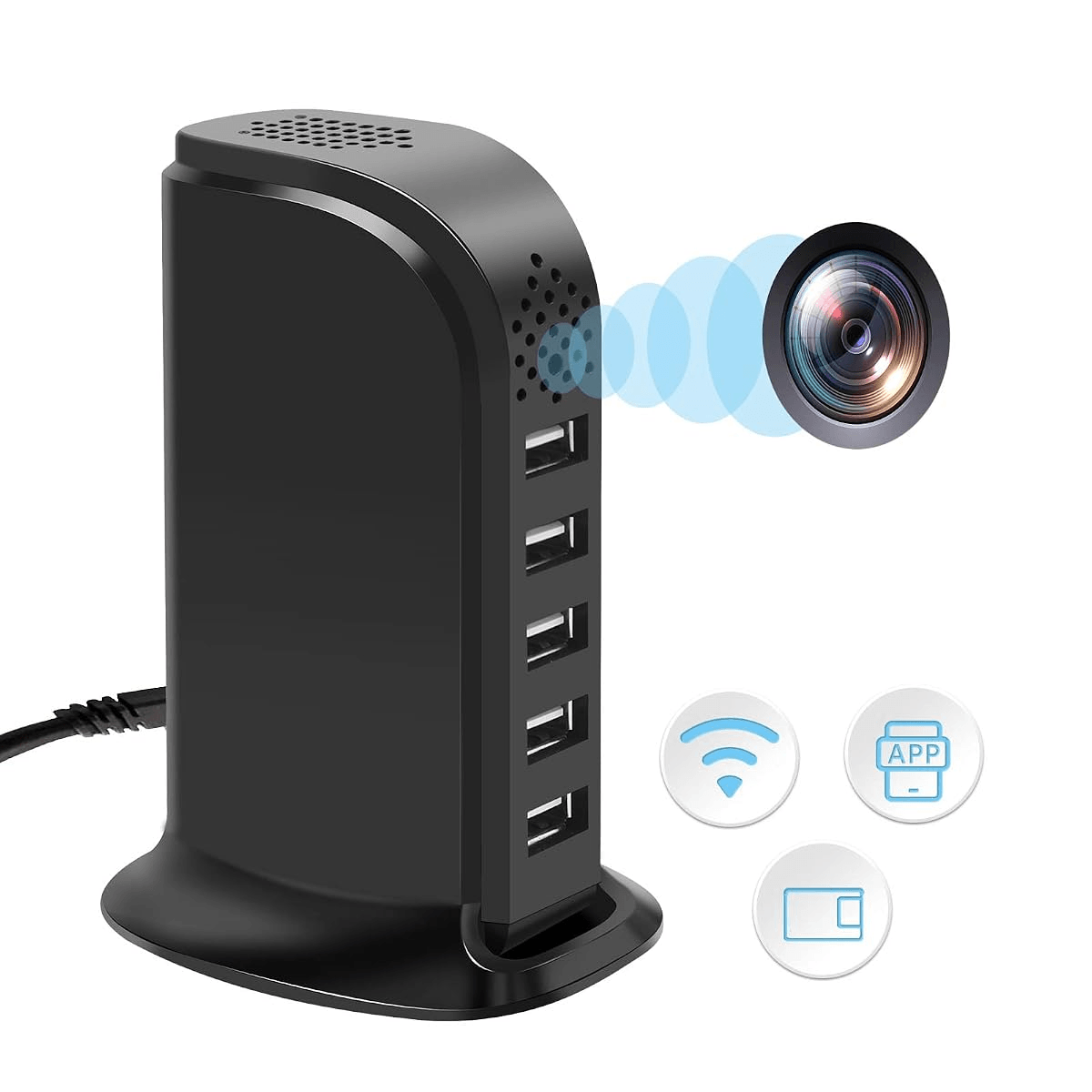
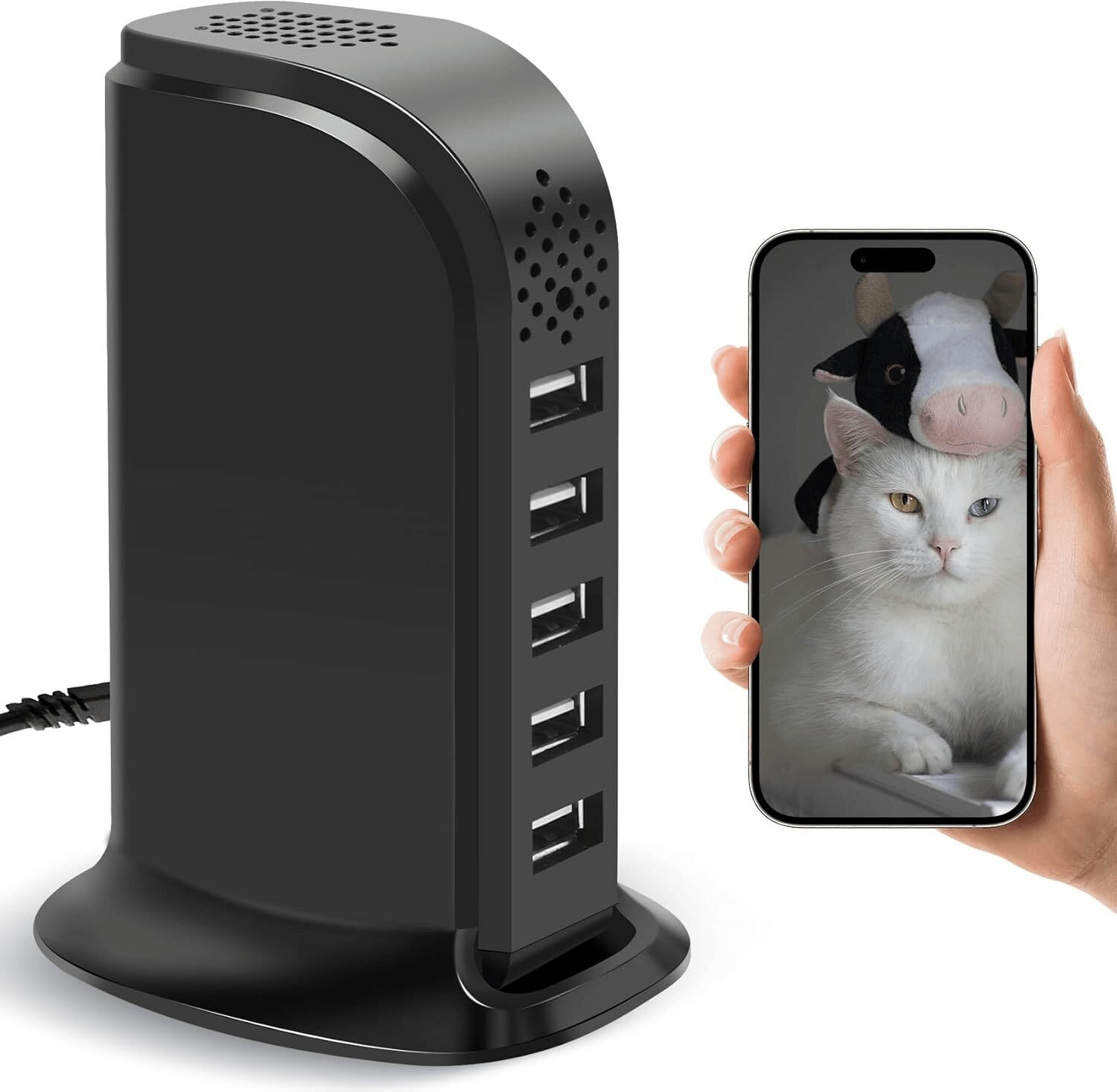
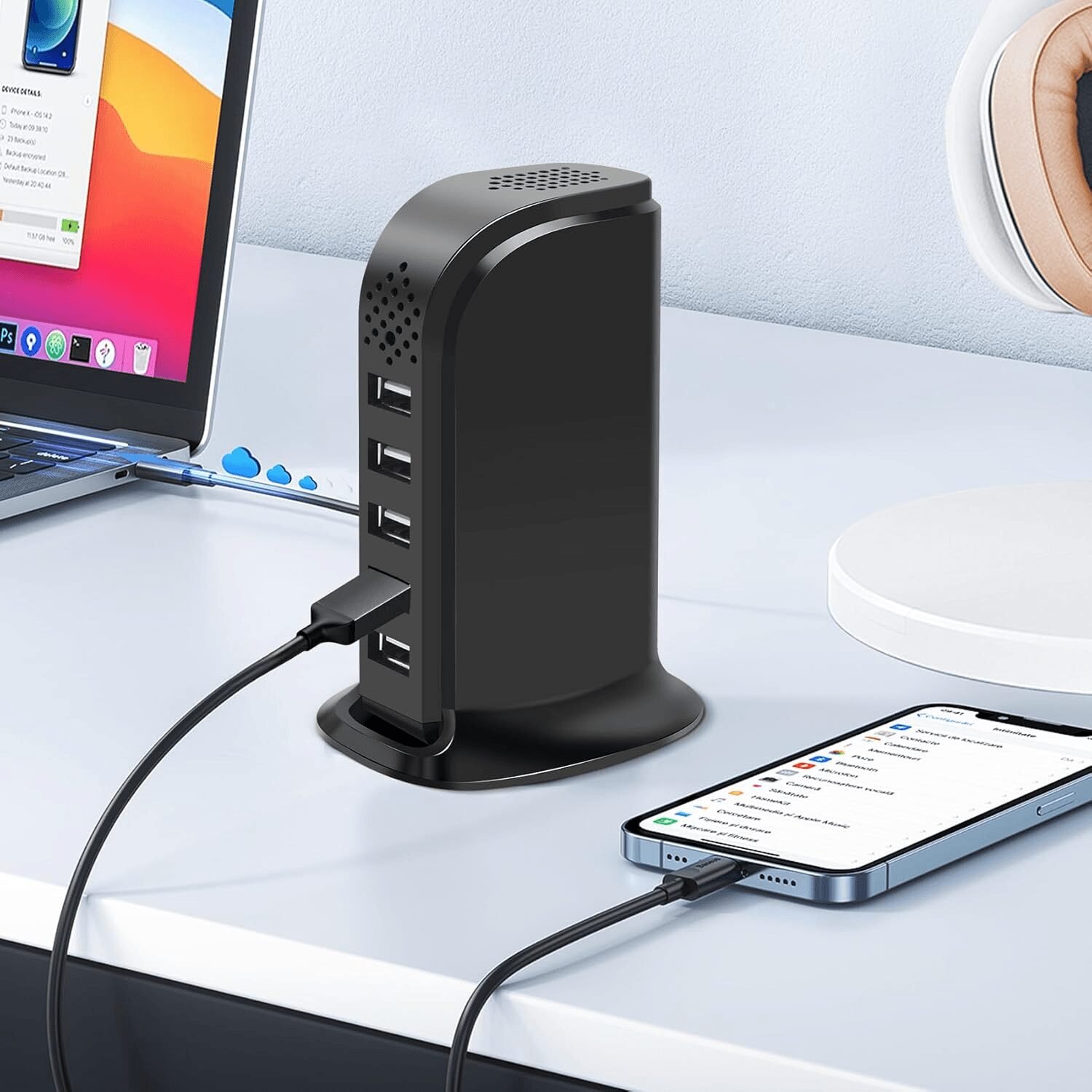
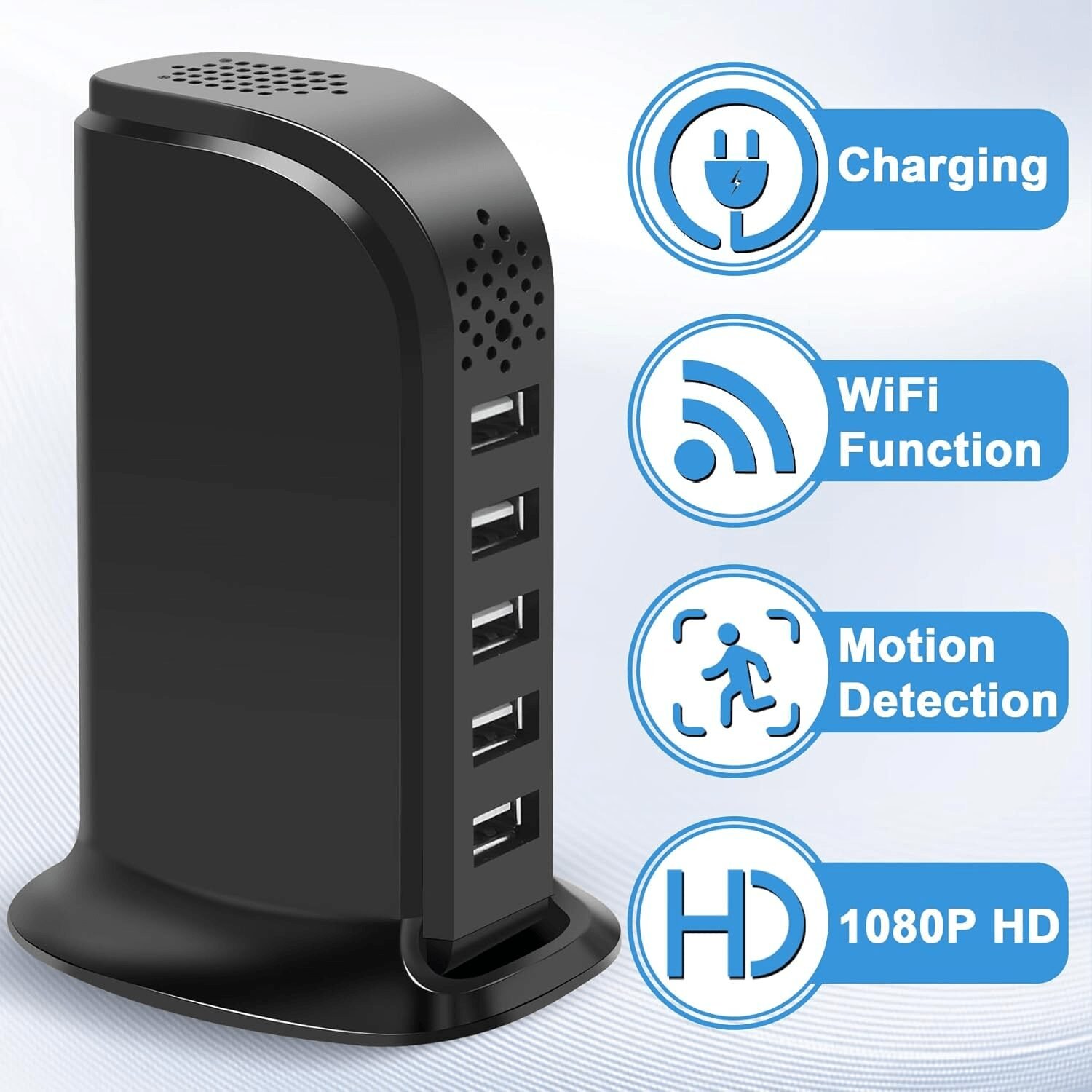
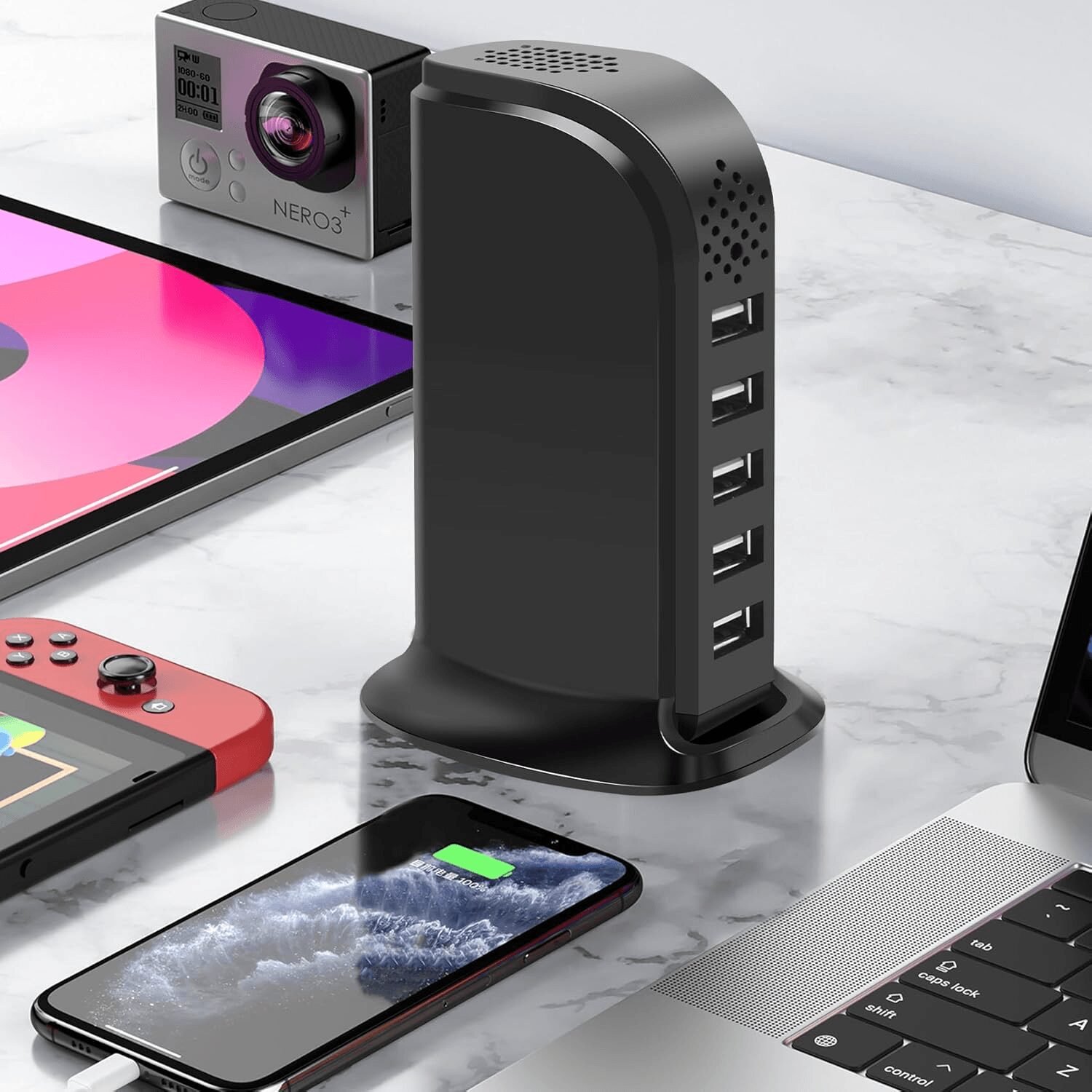
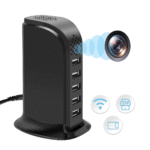
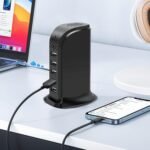
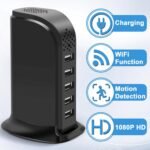
Protect your home, office, and loved ones with this 1080P WiFi USB Charger Hidden Camera. Designed to look like a standard USB charging station, this discreet security camera features 5 USB charging ports, allowing you to charge multiple devices while monitoring your surroundings.
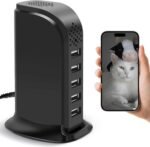
Using the Smart App, you can view live HD video remotely from anywhere using your smartphone. The built-in motion detection instantly sends alerts whenever movement is detected, helping you stay informed even when you’re away.
The WiFi USB Charger Hidden Camera supports 24/7 continuous recording with a Micro SD card (up to 128GB, not included), making it ideal for monitoring your home, office, pets, children, caregivers, or valuable belongings.
Note: This model is a video-only camera and does not record audio. It also does not include night vision and requires a constant power connection and 2.4GHz WiFi for operation.
Discreet USB Charger Camera
Crystal Clear 1080P HD Video
Motion Detection & Instant Alerts
Remote Viewing Anytime
24/7 Continuous Recording
WhatsApp us
Reviews
Clear filtersThere are no reviews yet.